آموزش فوق العاده ایجاد مدل و تکسچر از تصاویر
Uartsy - Create 3D Models & Textures From Photos

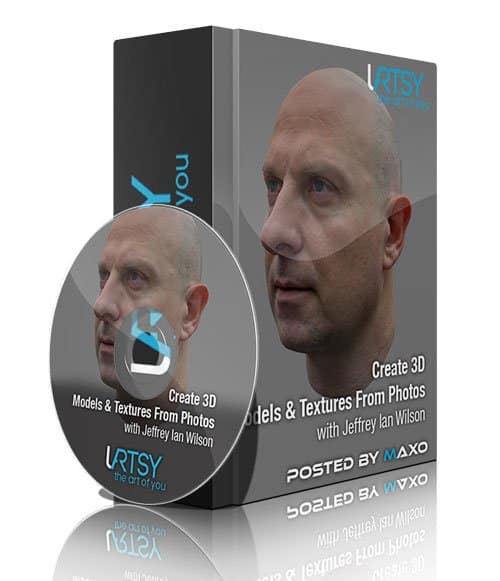
ایجاد مدل و تکسچر از تصاویر
با یکی از بهترین آموزش های شرکت Uartsy در خدمتتون هستیم ، فتوگرامتری یک رشته جدید و داغ در صنعت هنر 3D است. مربی دوره Jeff Wilson ، یک از پیشگامان این رشته نوظهور است. این پک شامل 11 پروژه کامل می باشد با سافت ساز همراه باشید.
عناوین اصلی این دوره آموزشی:
- ایجاد تکسچرهای بسیار واقعی با استفاده از فتوگرامتری
- درک اصول و مبانی اسکن مدل با Agisoft
- پاکسازی اطلاعات اسکن کثیف با GeoMagic برای توپولوژی قابل اعمال
- رسیدن به درک قوی از فتوگرامتری و مزایای استفاده از آن
- شناخت تکنیک های فتوگرامتری پیچیده
11 پروژه این دوره فوق العاده:
- استفاده از ZBrush برای پاکسازی داده های اسکن
- شروک به کار با Photogrammetry
- مقابله با انعکاس سطوح در فتوگرامتری (تکنیک هایی برای عکسبرداری سطوح بازتابنده)
- ساخت تکسچر با Photogrammetry
- پاکسازی اطلاعات اسکن با GeoMagic
- ایجاد Low Res Geometry در 3ds Max با GeoMagic
- ایجاد اسکن از یک دستگاه Kinect
- استفاده از تنظیم چند دوربین در فتوگرامتری
- نحوه افزایش مش های اسکن
- آموزش نحوه استفاده از Agisoft Photoscan Pro
- تکنیک های اسکن خودرو
تصاویری از این دوره آموزشی :
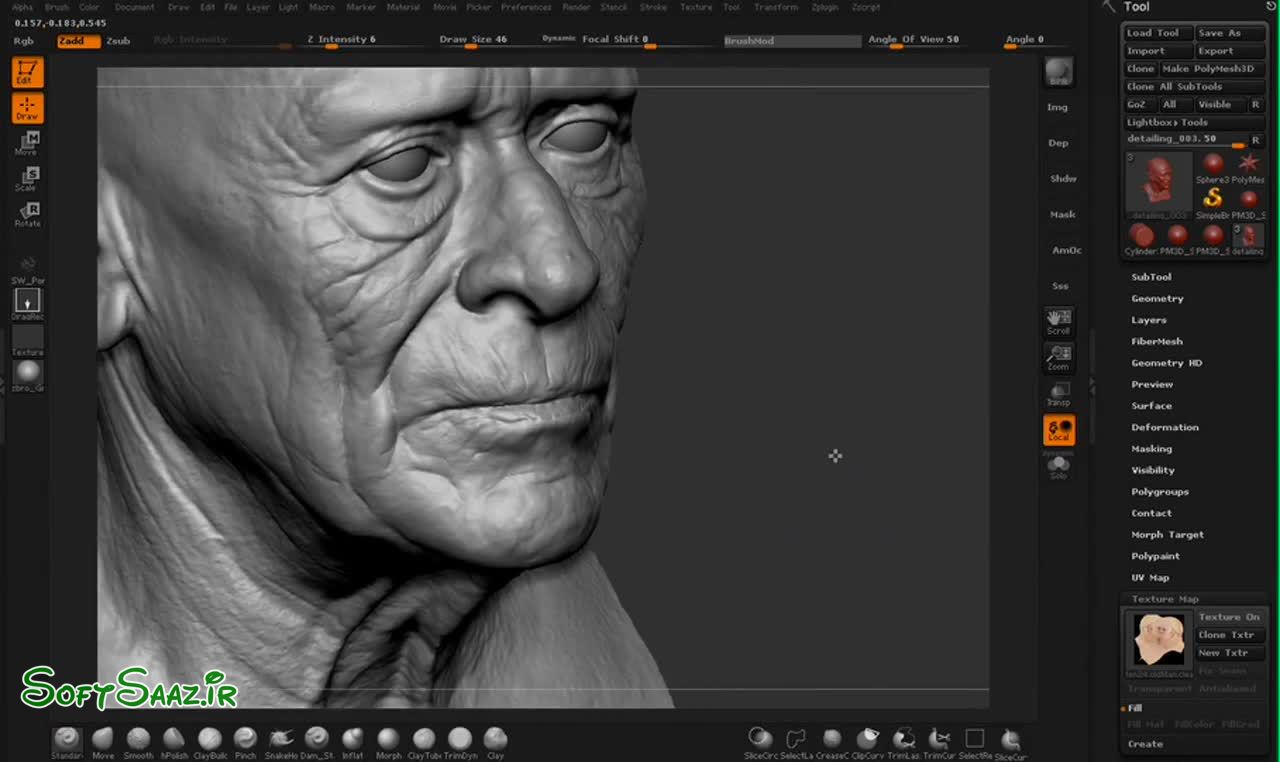
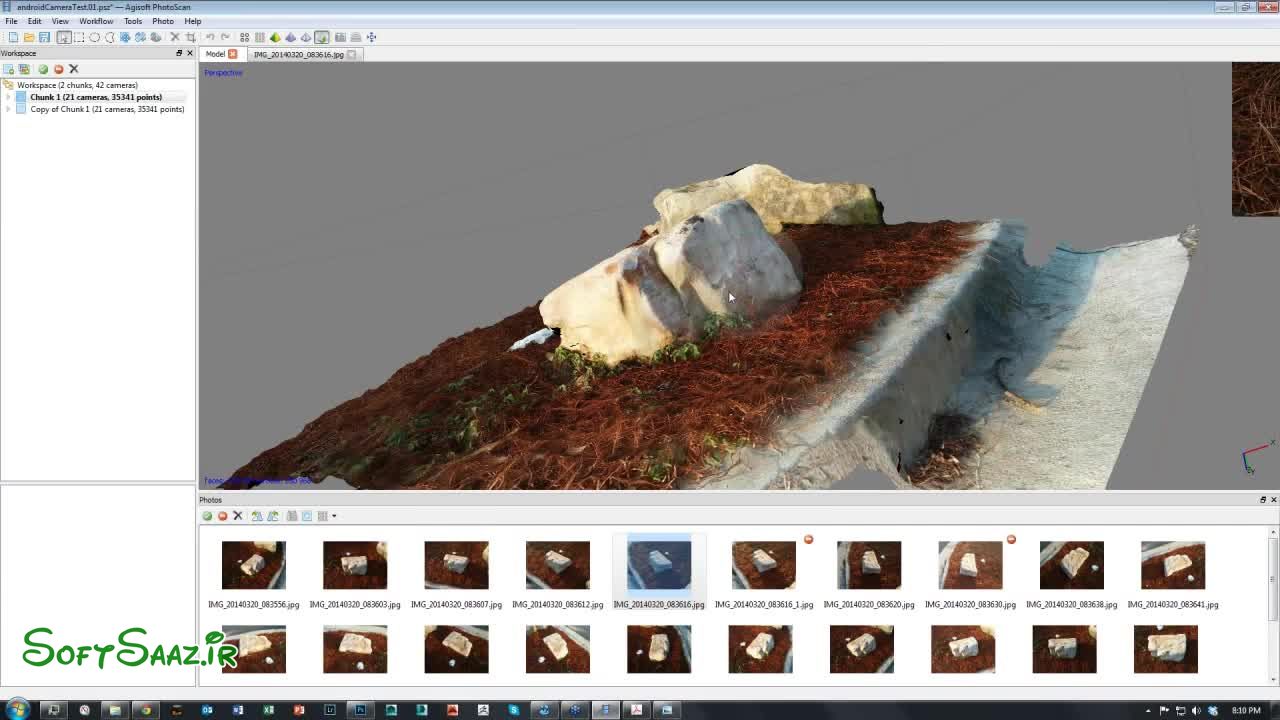
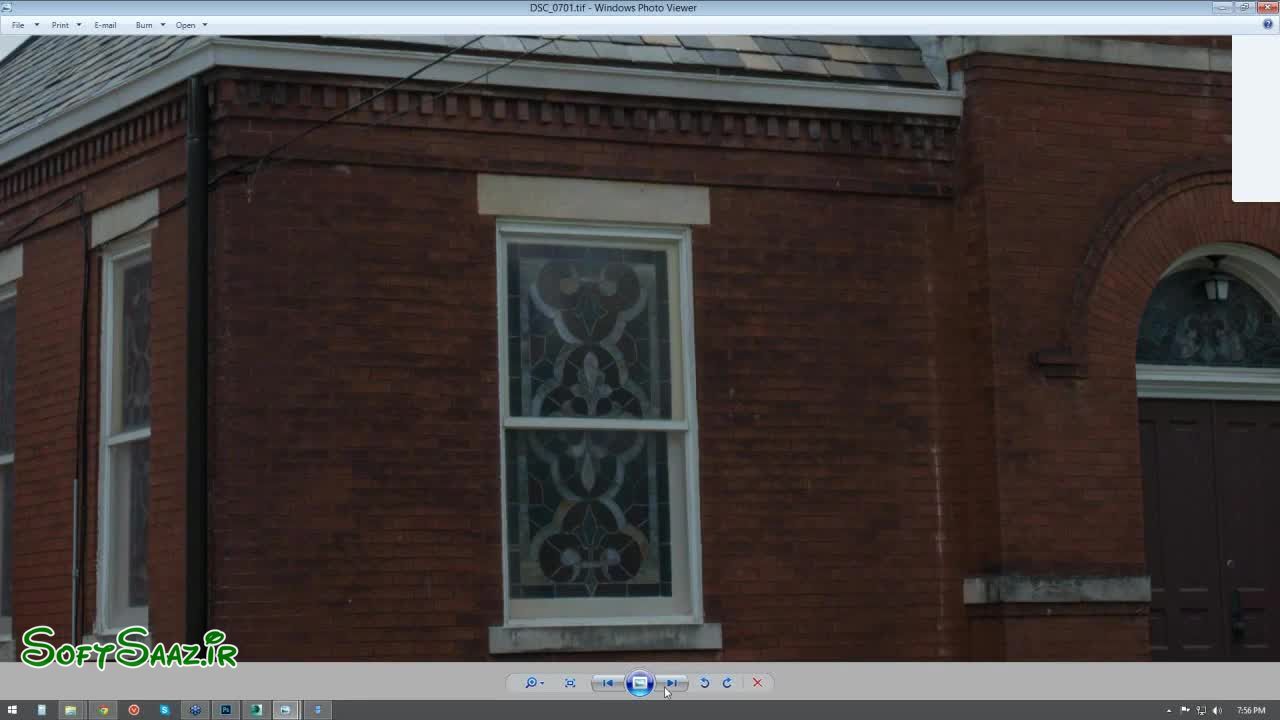
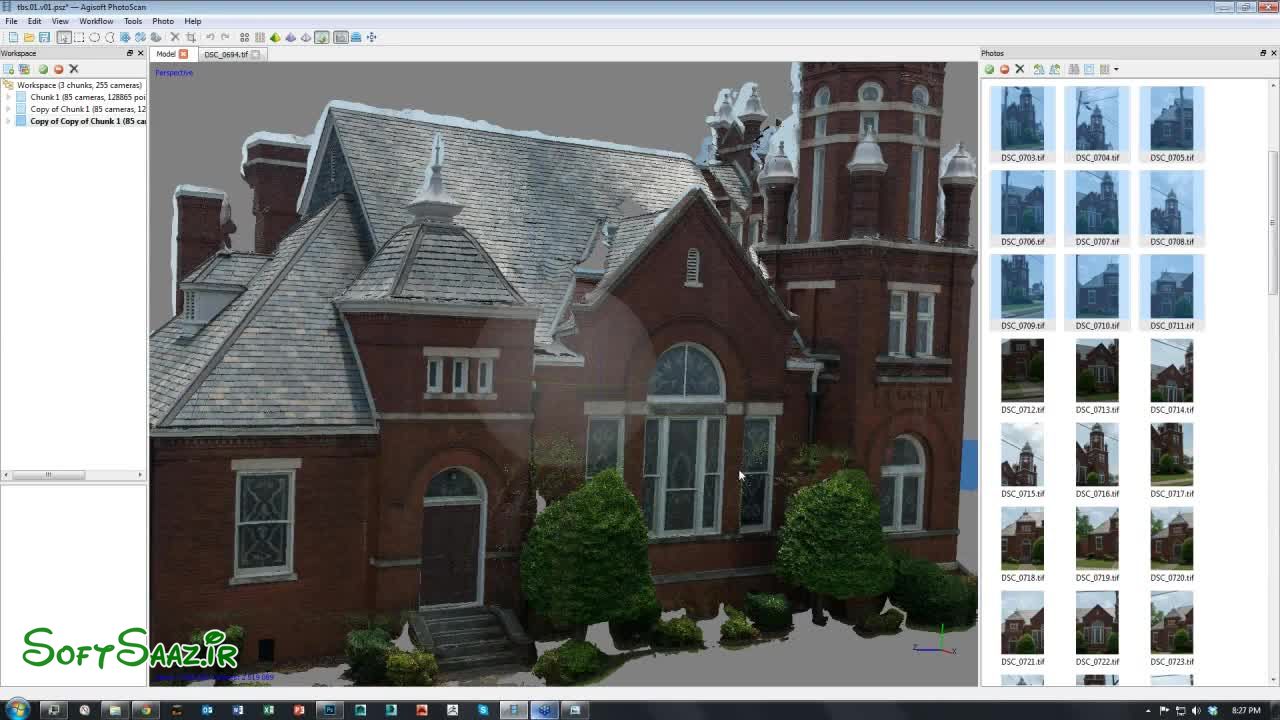
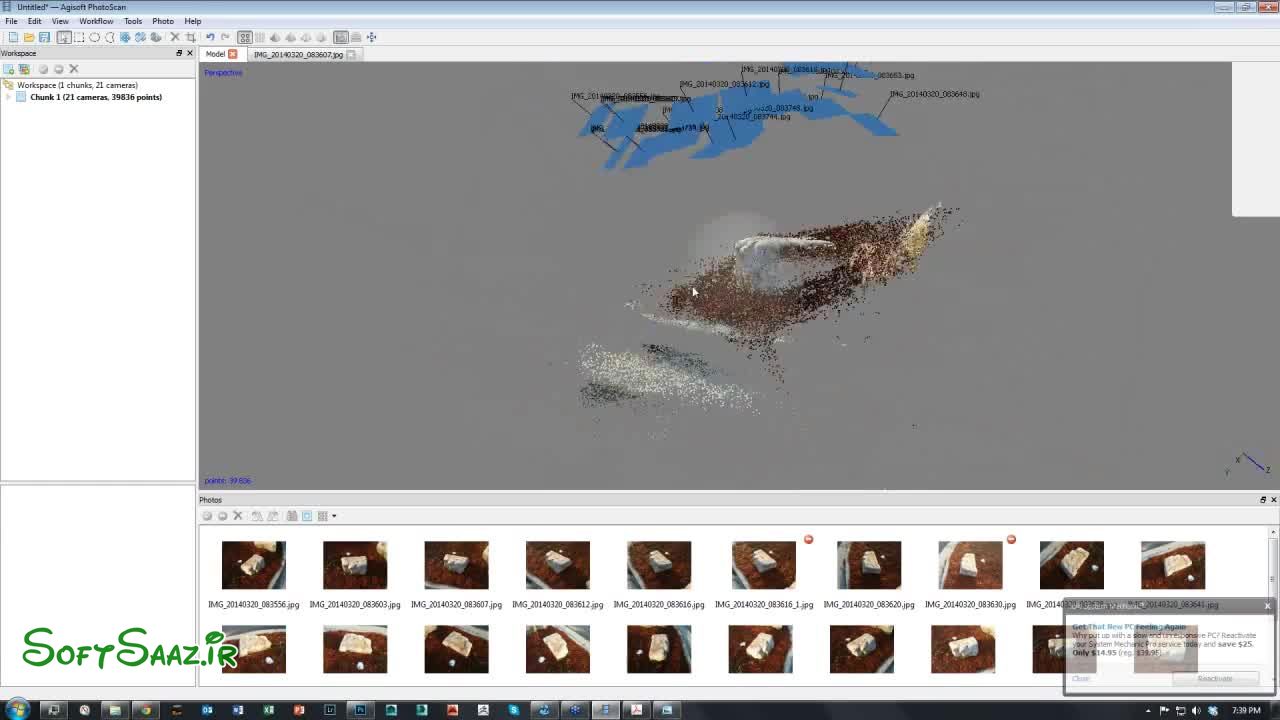
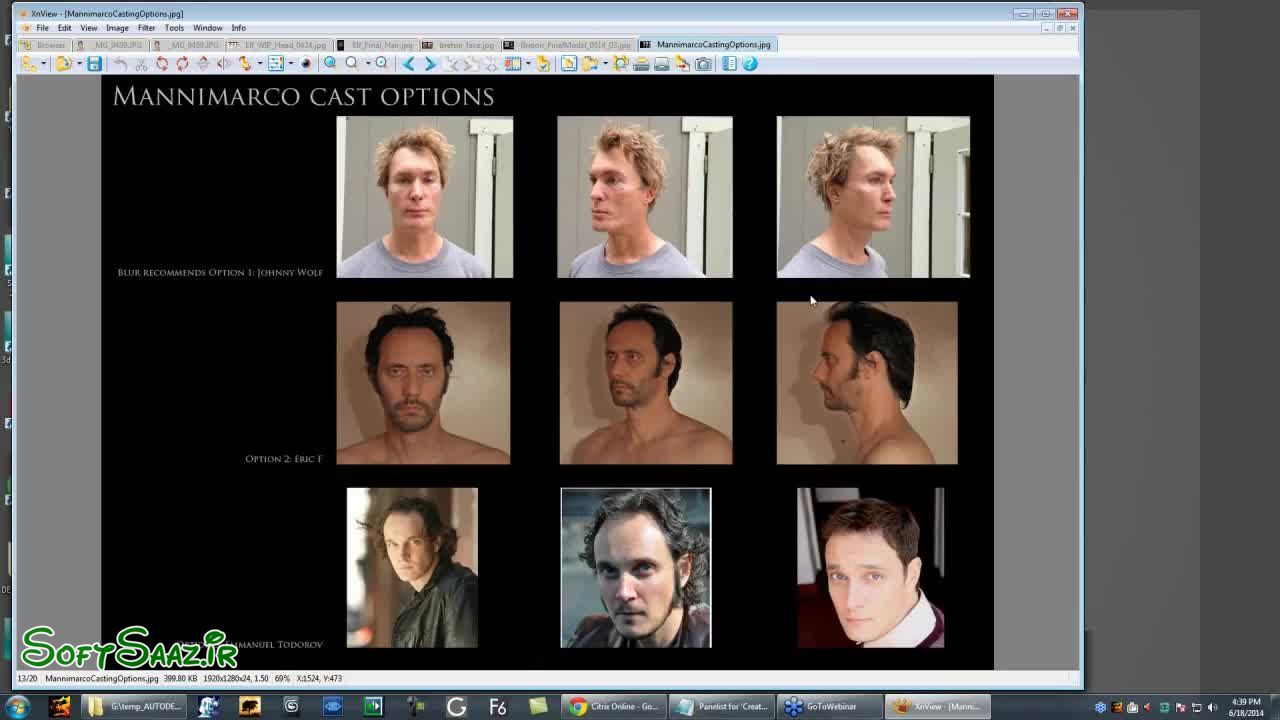
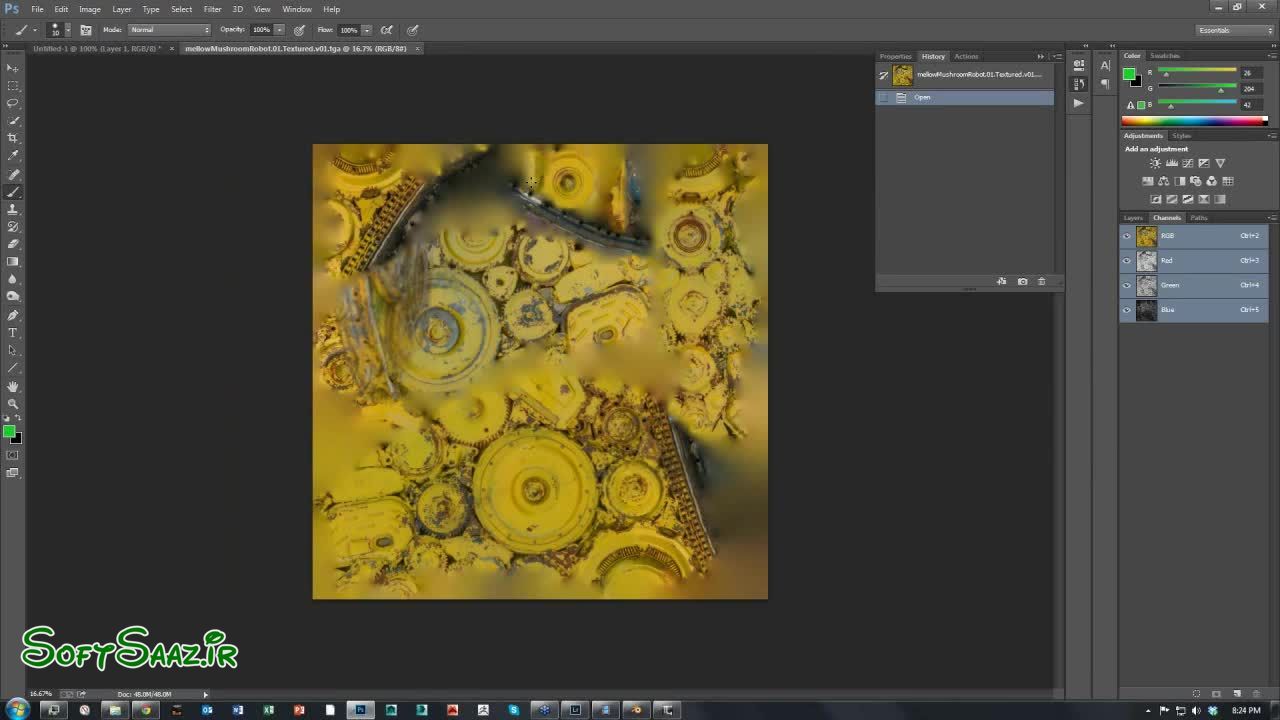
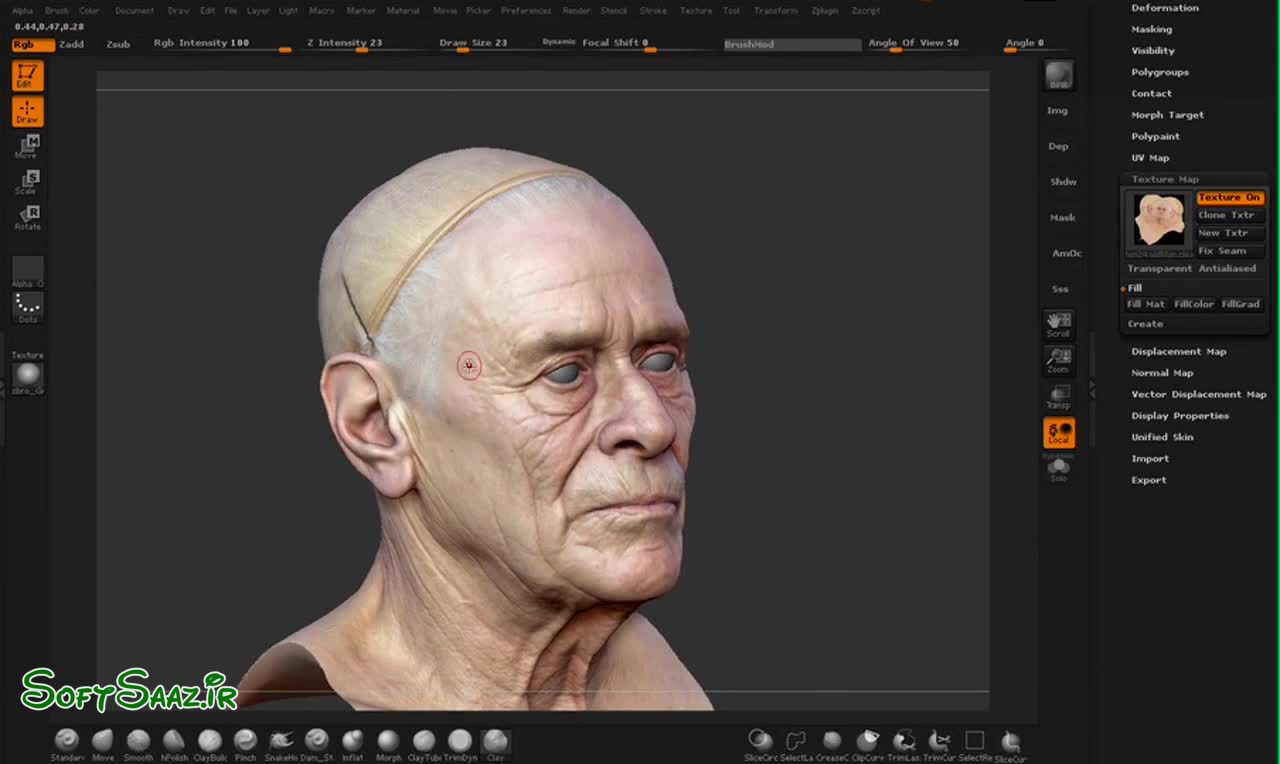
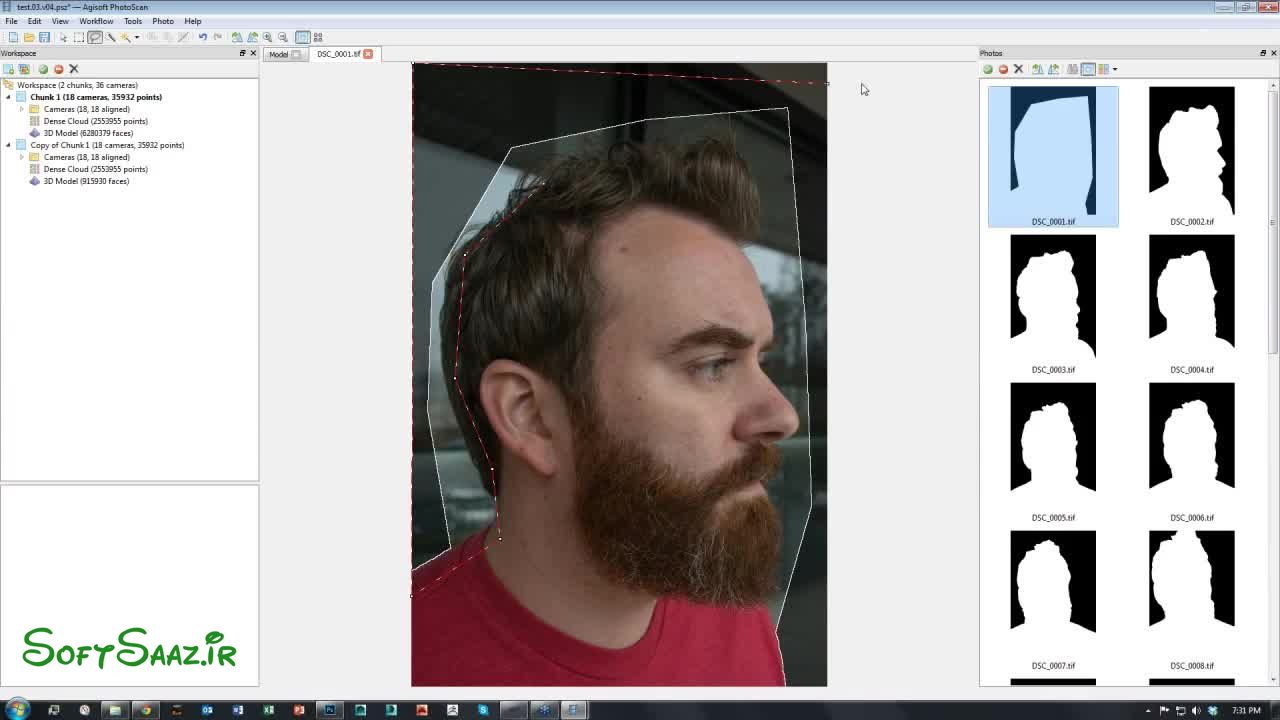
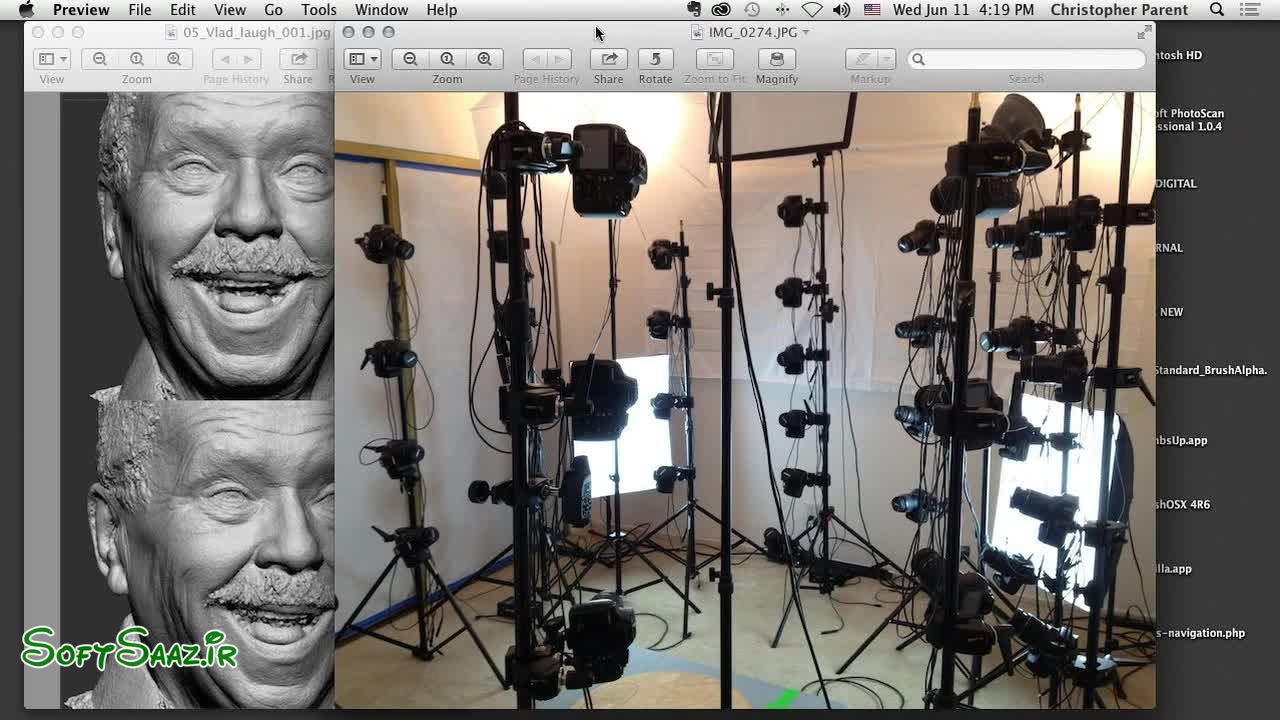
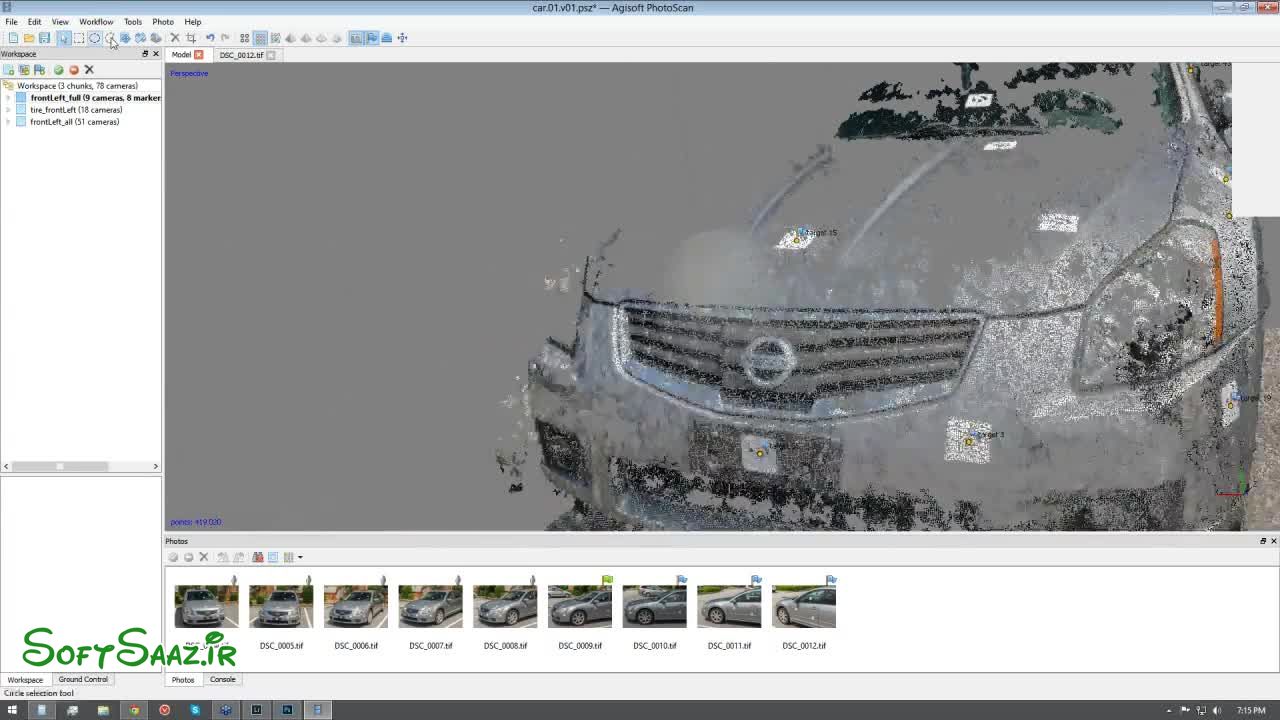
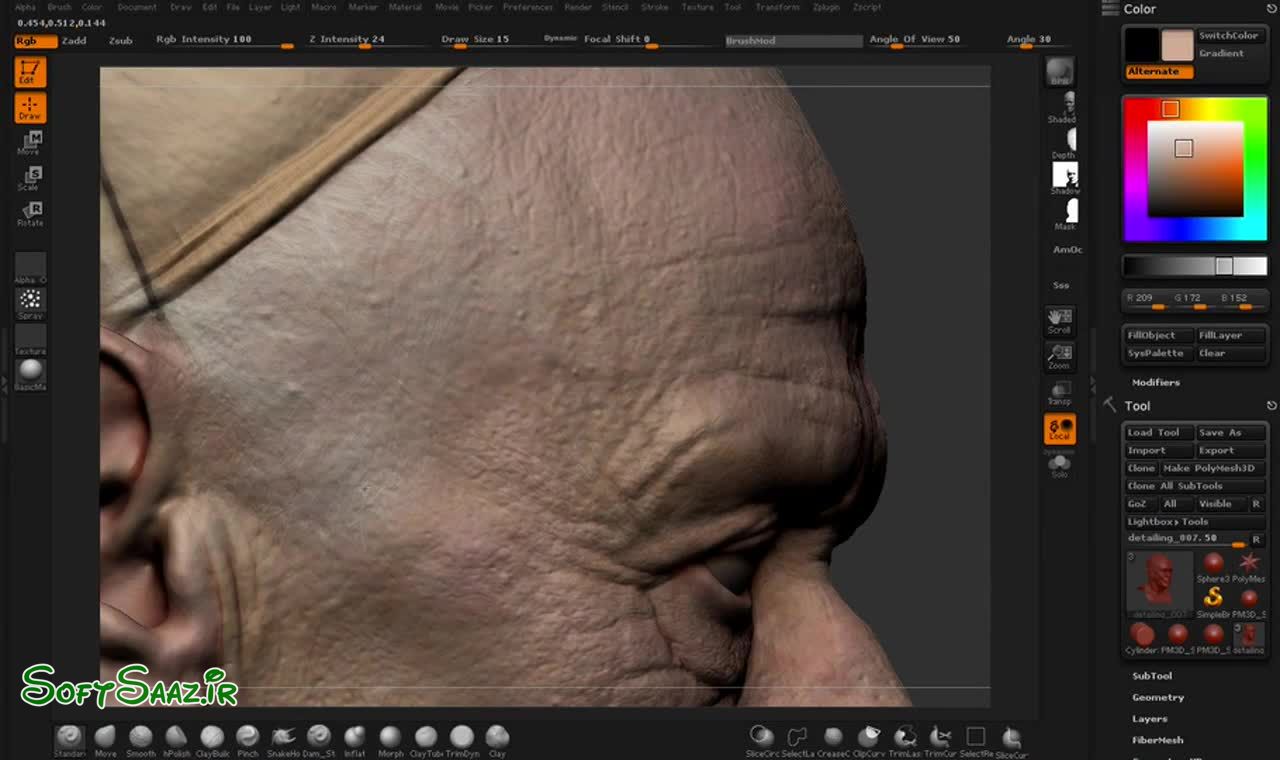
لطفا قبل از دانلود پیش نمایش دوره را مشاهده فرمایید:
عنوان دوره : Uartsy – Create 3D Models & Textures From Photos
سطح : مناسب برای همه
زمان کل دوره : –
تعداد فايل هاي تصويري : 76
سال آموزش : 2016
فایل تمرینی : دارد
مربی دوره : Jeffrey Ian Wilson
نرم افزار : Zbrush , 3ds Max , Agisoft Photoscan Pro
زیرنویس : ندارد
Uartsy – Create 3D Models & Textures From Photos
Photogrammetry is a hot new field popping up all over the 3D art industry. Jeff Wilson is a pioneer of the newly emerging field. Join him, and his many guest speakers, as they tell you everything you need to know to get started with photogrammetry and make a career out of it.
The 5 most important lessons:
Create highly realistic texturing using Photogrammetry .
Understand the fundamentals of scanning models with Agisoft.
Cleaning up messy scan data with GeoMagic for workable topology.
Gain a solid understanding of Photogrammetry and the many benefits that come with it.
Understand complex Photogrammetry techniques.
Project 1 : Pre-Class Bonus Lectures
Lecture 1 Welcome!
Lecture 2 13:57 ScanData with AgiSoft and 123Dapp
Lecture 3 17:58 ScanData bust of Joseph Drust
Lecture 4 18:55 ScanData and Project All
Lecture 5 19:07 ScanData and Projection Shell
Lecture 6 20:52 ScanData Insert Brushes and Projection Master
Project 2 : Getting Started with Photogrammetry
Lecture 1 15:13 Intro
Lecture 2 20:58 Basics information on Cameras and Images
Lecture 3 13:51 Q&A Break
Lecture 4 16:04 Alligning Photos
Lecture 5 21:49 Editing the Initial Scan and Building a Dense Reconstruction
Lecture 6 09:21 Building the Texture
Lecture 7 10:23 Q&A Part 1
Lecture 8 20:52 Q&A Part 2
Project 3 : Dealing With Reflective Surfaces In Photogrammetry
Lecture 1 21:16 Circular Polarizer and Exporting
Lecture 2 18:06 Additional Adjustments and Masking
Lecture 3 21:30 Generating Point Clouds
Lecture 4 14:24 Reducing Noise in GeoMagic
Lecture 5 16:34 Solving with all the Cameras
Lecture 6 19:51 Sculpting in Blender
Lecture 7 11:41 Retopology in Topogun with Agisoft Textures
Project 4 : Creating Textures Using Photogrammetry
Lecture 1 18:07 Introduction
Lecture 2 19:50 Q&A
Lecture 3 20:27 Cleaning Up Point Cloud
Lecture 4 13:26 Alphas in Agisoft
Lecture 5 20:39 Importing to 3ds Max
Lecture 6 18:52 Sending to Mudbox And Altering Images for Texture
Lecture 7 16:05 Using New Images for Texturing
Project 5 : Cleaning up Scan Data With GeoMagic
Lecture 1 Module 5 Resources
Lecture 2 12:52 Intro
Lecture 3 17:55 Boot Photography
Lecture 4 19:27 Exporting the Boot from Agisoft
Lecture 5 24:08 Importing the Boot to Geomagic
Lecture 6 17:03 Cleaning the Boot in GeoMagic
Lecture 7 19:36 Architectural Scanning
Lecture 8 11:34 Q&A
Project 6 : Creating Low Res Geometry In 3DS Max From Agisoft Scans
Lecture 1 Week 5 Resources
Lecture 2 20:12 Exporting From Agisoft
Lecture 3 20:56 Importing to 3ds Max
Lecture 4 19:02 Strip Modeling
Lecture 5 22:01 Checking Uvs and Correcting Projection
Lecture 6 17:15 Modeling with Projection
Lecture 7 16:00 Utilizing Mudbox and Photoshop
Lecture 8 12:15 Q&A
Project 7 : Creating Scans From A Kinect Device
Lecture 1 Bonus Head Scan Webinar
Lecture 2 20:01 Chris Parent Part 1
Lecture 3 25:18 Chris Parent Part 2
Lecture 4 23:33 Chris Parent Part 3
Lecture 5 20:15 Scanning with the Kinect
Lecture 6 26:25 Processing Kinect Data
Lecture 7 20:33 Q&A
Project 8 : Using A Multi Camera Setups In Photogrammetry
Lecture 1 21:32 Head Scanning Multi Camera Set Up Part 1
Lecture 2 18:21 Head Scanning Multi Camera Set Up Part 2
Lecture 3 24:31 Getting Clean Results
Lecture 4 23:25 Jerome Dejean
Lecture 5 21:33 Russian 3d Scanner and Shine Off
Lecture 6 15:39 Q&A
Project 9 : Glauco Longhi On How To Enhance Scan Meshes
Lecture 1 41:52 Cleaning Up the Scan Data
Lecture 2 20:53 Detailing Part 1
Lecture 3 32:39 Detailing Part 2
Lecture 4 20:56 Detailing Part 3
Lecture 5 16:31 Detailing Part 4
Lecture 6 17:11 Polypainting
Project 10 : Learn How To Use Agisoft Photoscan Pro
Lecture 1 20:21 Introduction and UAV Data
Lecture 2 27:14 Using Bounce Cards and Circular Polarizers
Lecture 3 11:40 Classifying ground points
Lecture 4 09:44 Using Markers
Lecture 5 26:35 Q&A Part 1
Lecture 6 36:37 Q&A Part 2
Project 11 : Car Scanning Techniques
Lecture 1 11:07 Introduction to Car Scanning
Lecture 2 02:21 Dealing with Metalic Reflections
Lecture 3 11:05 Editing Images for Best Results
Lecture 4 06:34 Loading Images into Photoscan
Lecture 5 09:04 Test: Generating Point Cloud
Lecture 6 06:49 Test: Creating and Modifying Dense Cloud
Lecture 7 39:09 Q&A Part 1
Lecture 8 06:23 Editing Markers on All Photos
Lecture 9 07:50 Adjusting Dense Point Cloud
Lecture 10 20:21 Agisoft to Maya Part 1
Lecture 11 19:28 Agisoft to Maya part 2
حجم کل :
برای نمایش این مطلب و دسترسی به هزاران مطلب آموزشی، نسبت به تهیهی اکانت ویژه از لینک زیر اقدام کنید.
وضعیت فعلی شما
- لینکهای دانلود این مطلب قفل است
- بقیهی مطالب ویژه هم بسته است
- بدون دسترسی به آموزش نصب
با اشتراک ویژه
- دسترسی به همهی مطالب سافتساز
- آپدیت روزانه مطالب سایت از بهترین سایتهای سیجی
- ورود نامحدود کاربران از هر دیوایسی
- دسترسی به آموزش نصب کامل پلاگینها و نرمافزارها
For international users: online support — email info@softsaz.ir or Telegram @SoftSaaz.
امتیاز دهی به این مطلب :
لطفا به این مطلب امتیاز دهید