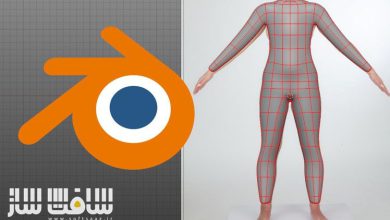
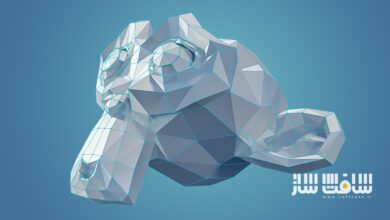
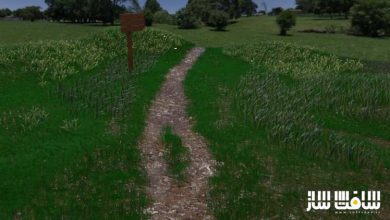
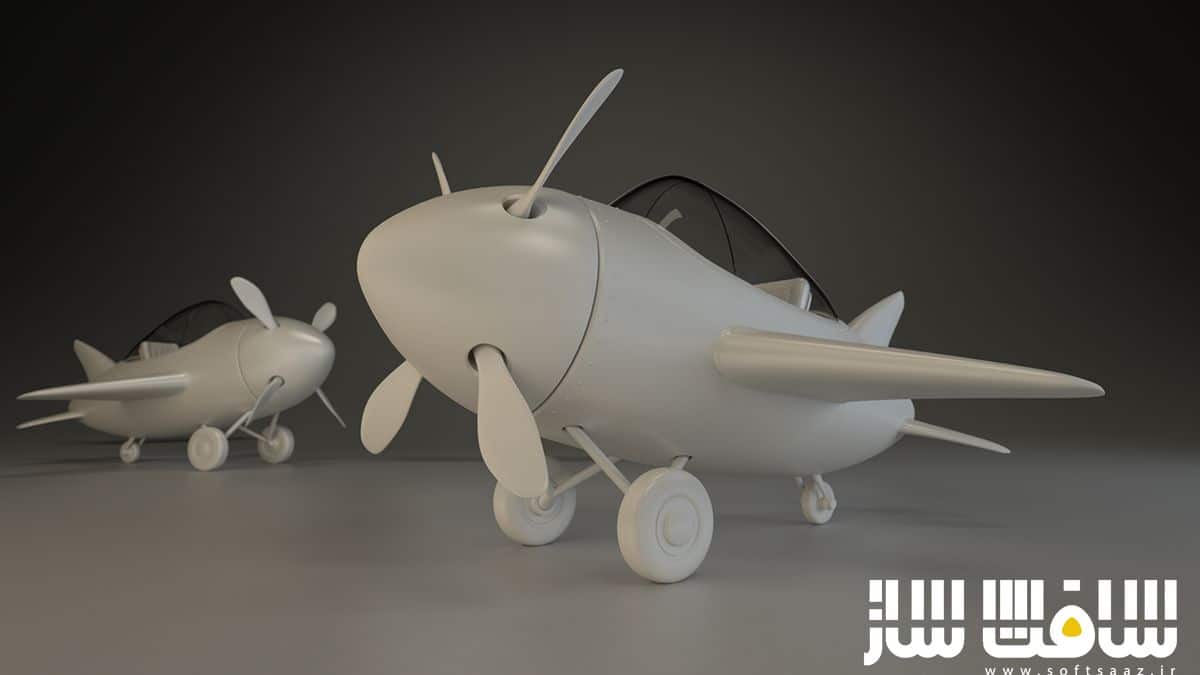
مگاکورس انیمیشن و تکسچرینگ سه بعدی در Blender
Udemy - Complete Blender 3D Texturing and Animation Megacourse

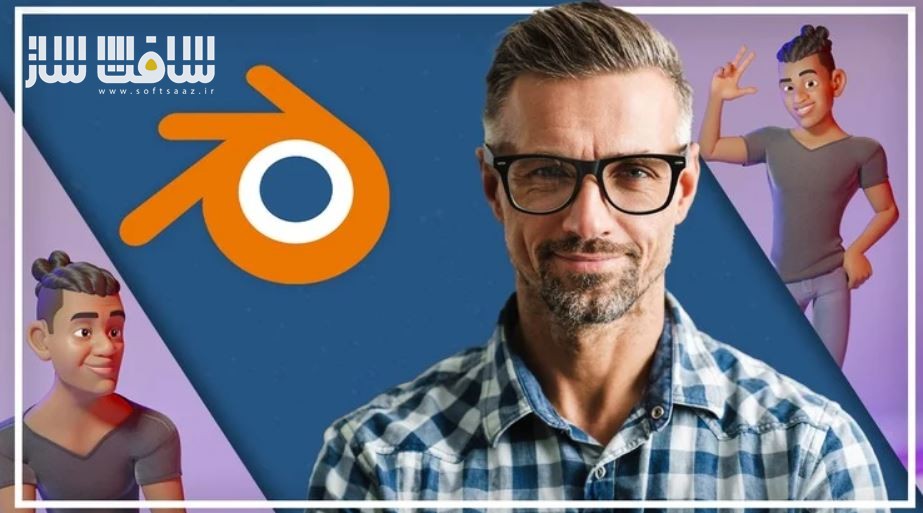
مگاکورس انیمیشن و تکسچرینگ سه بعدی در Blender
مگاکورس انیمیشن و تکسچرینگ سه بعدی در Blender : در این دوره از Creativity Unleashed ، با تکسچرینگ رویه ایی ، تکسچرینگ کاراکتر و تکنیک های انیمیشن در بلندر آشنا خواهید شد. این دوره مهارت های ضروری برای تسلط بر تکسچرینگ و انیمیشن سه بعدی ، تکسچرینگ رویه ایی ، تکسچرینگ کاراکتر با افزونه Ucupaint ، تکنیک های انیمیشن کلیدی ، سیکل دویدن پرش ، واقعی جلوه دادن مدل ها ، انیمیت کردن مدل ها ، ایجاد ویژگی های صورت ، ساخت کفش و … را پوشش می دهد.این دوره آموزشی توسط تیم ســافــت ســاز برای شما عزیزان تهیه شده است.
عناوین مگاکورس انیمیشن و تکسچرینگ سه بعدی در Blender :
- نحوه ساخت تکسچر رویه ایی خیره کننده چون سنگ ،خراش،شیشه،پارچه و …
- تکنیک هایی برای تکسچرینگ کاراکتر با ادآنز Ucupaint در بلندر
- تسلط بر تکنیک های کی انیمیشن شامل بلاکینگ ، اسپلینینگ،پولیشینگ برای حرکت صاف و روان
- نحوه انیمیت یک پرش در حال دویدن و ترکیب سکانس های انیمیشنی
- مهارت های عملی برای نور و رندرینگ برای نهایی سازی پروژه
- کنار هم قرار دادن مهارت ها برای ساخت کاراکتر خود
- تفاوت های بلندر 3.6 و 4.2 و استفاده از هر دو
- ساخت پورتفولیوی هنر سه بعدی قدرتمند
عنوان دوره : Udemy – Complete Blender 3D Texturing and Animation Megacourse
سطح : متوسط
زمان کل دوره : 7.50 ساعت
تعداد فايل ها : 30
سال آموزش : 2024
فایل تمرینی : ندارد
مربی دوره : Creativity Unleashed
نرم افزار : Blender
زیرنویس انگلیسی : ندارد
فشردگی اختصاصی سافت ساز : ندارد
Udemy – Complete Blender 3D Texturing and Animation Megacourse
Master procedural texturing, character texturing, and animation techniques in Blender!
How to create stunning procedural textures such as rocks, scratches, glass, cloth, and more.
Techniques for character texturing using the Ucupaint addon in Blender.
Mastery of key animation techniques including blocking, splining, and polishing for smooth and fluid movement.
How to animate a running jump and combine animation sequences.
Practical skills for light and rendering to finalize your projects.
How to put these skills together to create your own characters.
The differences between Blender 3.6 and 4.2 and how to use both
Make a 3D art ready portfolio.
Have you ever wanted to create stunning textures and animations in Blender? Welcome to the Blender Texturing and Animation Course, where we will guide you step by step through the essential skills needed to master 3D texturing and animation. In this course, we’ll start by focusing on procedural textures before diving into character texturing using the Ucupaint addon, and later we’ll cover key animation techniques including animating a run cycle, a jump, and a running jump. Texturing plays a key role in making your 3D models look realistic and visually captivating, while animation brings them to life! By the end of this course, you’ll be confident in both texturing and animating characters for any of your future projects, no matter your skill level.
This course is structured to ensure you gain both theoretical knowledge and practical experience. You’ll learn how to create procedural textures like rocks, scratches, glass, and how to texture character components like shoes and facial features. We’ll also explore how to use the Ucupaint addon to simplify the process. In the second part of the course, we’ll focus on animation techniques. From blocking out a run cycle to refining a jump animation, you’ll learn how to blend motions together and create smooth transitions using the Snow character rig.
حجم کل : 7.3 گیگابایت
برای نمایش این مطلب و دسترسی به هزاران مطلب آموزشی، نسبت به تهیهی اکانت ویژه از لینک زیر اقدام کنید.
وضعیت فعلی شما
- لینکهای دانلود این مطلب قفل است
- بقیهی مطالب ویژه هم بسته است
- بدون دسترسی به آموزش نصب
با اشتراک ویژه
- دسترسی به همهی مطالب سافتساز
- آپدیت روزانه مطالب سایت از بهترین سایتهای سیجی
- ورود نامحدود کاربران از هر دیوایسی
- دسترسی به آموزش نصب کامل پلاگینها و نرمافزارها
For international users: online support — email info@softsaz.ir or Telegram @SoftSaaz.