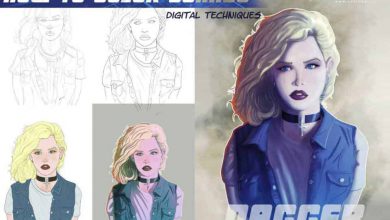
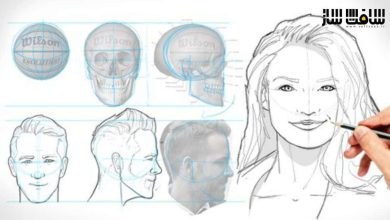
آموزش طراحی و خلق آثار دیجیتالی با Procreate
Udemy - Draw and Create with Procreate!

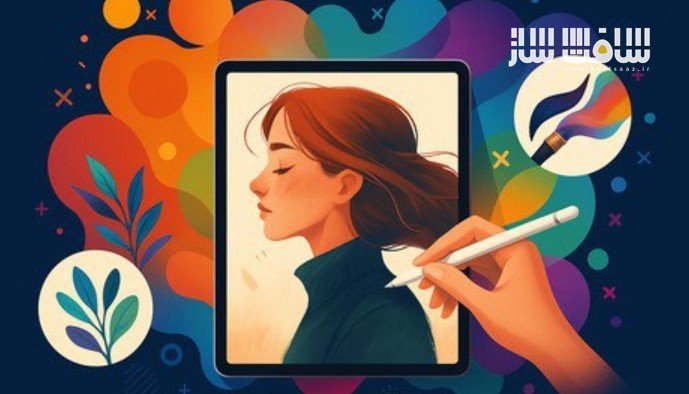
آموزش طراحی و خلق آثار دیجیتالی با Procreate
آموزش طراحی و خلق آثار دیجیتالی با Procreate : در این دورهی جامع، هرآنچه برای کار با اپلیکیشن Procreate در مسیر طراحی و تصویرسازی دیجیتال نیاز دارید به شما آموزش میدهد. این دوره برای مبتدیانی که تازه وارد دنیای طراحی دیجیتال شدهاند و همچنین کاربران متوسطی که میخواهند مهارتهای خود را گسترش دهند بسیار مناسب است.
در این دوره با رابط کاربری Procreate، ابزارها، تکنیکهای طراحی و نقاشی، تئوری رنگ، سایهزنی، اضافهکردن تکسچرها و الگوها آشنا میشوید و یاد میگیرید چگونه یک اثر هنری دیجیتال حرفهای خلق کنید. این دوره آموزشی توسط تیم ســافــت ســاز برای شما عزیزان تهیه شده است.
عناوین آموزش طراحی و خلق آثار دیجیتالی با Procreate :
- آشنایی کامل با Procreate برای تصویرسازی دیجیتال: یادگیری ابزارها، امکانات اصلی و نحوهی استفادهی اصولی از برنامه.
- تکنیکهای پایه طراحی و نقاشی: شامل اسکچزدن، تئوری رنگ، سایهزنی، تکسچرگذاری و ساخت الگوهای تصویری.
- تکنیکهای پیشرفته در Procreate: ساخت براشهای سفارشی، استفاده از ماسکها و Alpha Channel، کار با تصاویر مرجع و اعمال ویرایشهای خلاقانه.
- بهینهسازی روند کار در Procreate: ترفندها و نکات حرفهای برای افزایش سرعت و کیفیت طراحی.
- مراحل خلق یک اثر دیجیتال کامل: از ایدهپردازی و طراحی کانسپت تا اصلاح ترکیببندی، ایجاد اثر نهایی و نحوهی ارائه و اشتراکگذاری آن.
- کاربردهای مختلف Procreate: استفاده از برنامه برای طرحهای اولیه تا آثار نهایی و حرفهای مناسب انتشار.

عنوان دوره : Udemy – Draw and Create with Procreate!
سطح : متوسط
زمان کل دوره : 2.11 ساعت
تعداد فایل ها : 20
سال آموزش : 2025
فایل تمرینی : ندارد
مربی دوره : Ed Foychuk – Joey Foychuk
نرم افزار : Procreate
زیرنویس انگلیسی : ندارد
فشردگی اختصاصی سافت ساز : ندارد
Udemy – Draw and Create with Procreate!
Welcome to the Procreate Illustration Course! This comprehensive online course will teach you everything you need to know about using the Procreate app/program for digital illustration. Whether you’re a complete beginner or an intermediate user looking to expand your skills, this course will help you create stunning digital artwork using Procreate.
In this course, you’ll learn the basics of the Procreate interface, tools, and functionalities, as well as fundamental drawing and painting techniques, color theory, shading, and adding textures and patterns. You’ll also explore more advanced techniques, such as creating custom brushes, using masks and alpha channels, and working with reference images and photo manipulation.
But that’s not all! You’ll also get tips and tricks for optimizing the use of Procreate, and learn how to plan and develop a concept, refine the composition, create final artwork, and present and share your artwork with others.
By the end of this course, you’ll be able to use Procreate for a range of digital illustration projects, from concept sketches to polished final artwork. You’ll have the skills and confidence to create stunning digital illustrations that you can share with the world. So what are you waiting for? Enroll now and let’s get started!
What you’ll learn
How to use the Procreate app/program for digital illustration.
Basic drawing and painting techniques in Procreate, including sketching, color theory, shading, and adding textures and patterns.
More advanced techniques in Procreate, such as creating custom brushes, using masks and alpha channels, working with reference images, and creating simple anima
Tips and tricks for optimizing the use of Procreate for digital illustration.
How to plan and develop a concept, refine the composition, create final artwork, and present and share artwork with others.
How to use Procreate for a range of digital illustration projects, from concept sketches to polished final artwork.
حجم کل : 1 گیگابایت

برای دسترسی به کل محتویات سایت عضو ویژه سایت شوید
برای نمایش این مطلب و دسترسی به هزاران مطالب آموزشی نسبت به تهیه اکانت ویژه از لینک زیر اقدام کنید .
دریافت اشتراک ویژه
مزیت های عضویت ویژه :
- دسترسی به همه مطالب سافت ساز
- آپدیت روزانه مطالب سایت از بهترین سایت های سی جی
- ورود نامحدود کاربران از هر دیوایسی
- دسترسی به آموزش نصب کامل پلاگین ها و نرم افزار ها
اگر در تهیه اشتراک ویژه مشکل دارید میتونید از این لینک راهنمایی تهیه اشتراک ویژه رو مطالعه کنید . لینک راهنما
For International user, You can also stay connected with online support. email : info@softsaaz.ir telegram : @SoftSaaz