
آموزش روتوش پوست حرفه ایی در Photoshop
Udemy - Professional Skin Retouch in Photoshop

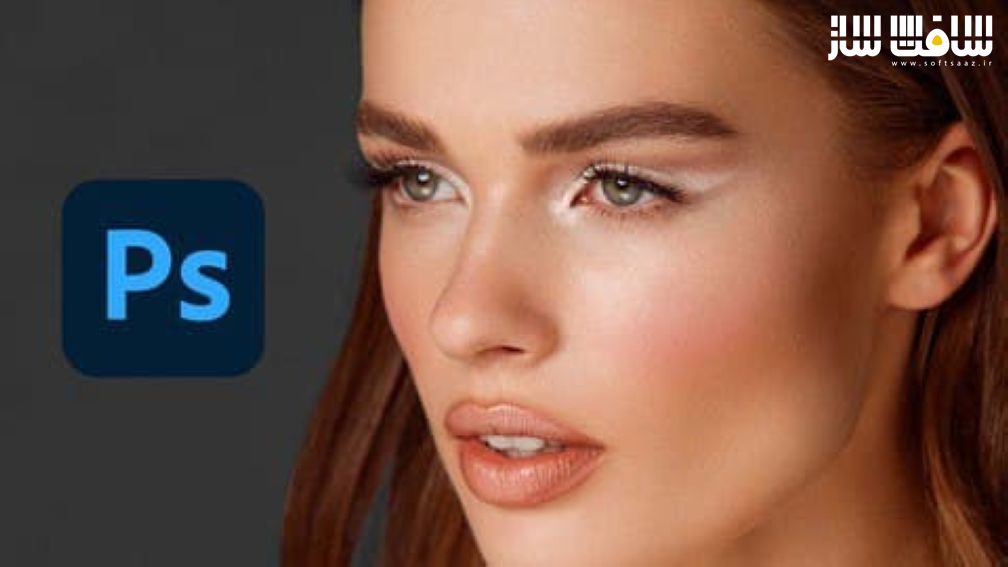
روتوش پوست حرفه ایی
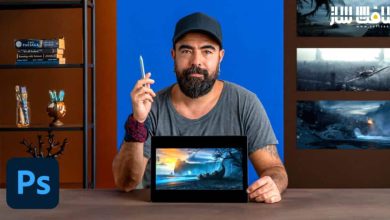
آموزش روتوش پوست حرفه ایی در Photoshop : در این دوره از هنرمند Marcin Mikus، با نحوه انجام روتوش پوست بصورت حرفه ایی در فتوشاپ آشنا خواهید شد. ایشان روش های مختلف روتوشینگ پوست و ورک فلوی صفر تا صد آن را یاد می دهد. در این دوره ها بصورت گام به گام با روش هایی آشنا میشوید که زیبایی طبیعی پوست را حفظ کنید. همه چیز را از تبدیل raw ،روتوش پوست در فتوشاپ و تنظیمات نهایی برای عالی جلوه دادن آن را پوشش می دهد.این دوره آموزشی توسط تیم ســافــت ســاز برای شما عزیزان تهیه شده است.
عناوین آموزش روتوش پوست حرفه ایی :
- نحوه روتوش تصاویر بصورت حرفه ایی
- یادگیری تکنیک های روتوش فتوشاپ
- یادگیری روتوش زیبایی بروش غیر مخرب
- آموزش تکنیک های روتوشی که حرفه ایی ها استفاده میکنند
- استفاده از ابزارهای روتوش در فتوشاپ
عنوان دوره : Udemy – Professional Skin Retouch in Photoshop
سطح : متوسط
زمان کل دوره : 2.39 ساعت
تعداد فايل هاي تصويري : 25
سال آموزش : 2021
فایل تمرینی : دارد
مربی دوره : Marcin Mikus
نرم افزار : photoshop
زیرنویس انگلیسی :دارد
Udemy – Professional Skin Retouch in Photoshop
I am Marcin Mikus, Retoucher and Photoshop instructor. For Years I have been exploring photoshop to finally settle in retouching area. I know how difficult is to find the right course where You can learn retouching for different kind of Photography – that’s why i came with this course where i cover different retouching with different images.
In this course you will learn only professional retouching techniques and you will see my full workflow from start to finish.
Internet is flooded with retouching tips, but not many of them teach you the right retouching techniques that will preserve the natural beauty of the skin. In this course I do not waste you time. We do everything step by step, starting from raw conversion, skin retouching in Photoshop and final adjustments that will make your images look perfect.
If you were looking for a course that only teaches you the techniques that professionals use, this is the course for you.
I also include my retuoching actions to help you speed up for retouching workflow!
If you think of career in retouching or you simply want to improve your images, this course is the best choice you could make.
حجم کل : 2.6 گیگابایت
برای نمایش این مطلب و دسترسی به هزاران مطلب آموزشی، نسبت به تهیهی اکانت ویژه از لینک زیر اقدام کنید.
وضعیت فعلی شما
- لینکهای دانلود این مطلب قفل است
- بقیهی مطالب ویژه هم بسته است
- بدون دسترسی به آموزش نصب
با اشتراک ویژه
- دسترسی به همهی مطالب سافتساز
- آپدیت روزانه مطالب سایت از بهترین سایتهای سیجی
- ورود نامحدود کاربران از هر دیوایسی
- دسترسی به آموزش نصب کامل پلاگینها و نرمافزارها
For international users: online support — email info@softsaz.ir or Telegram @SoftSaaz.


یک دوره کاملا بیسیک هستش برای کسانی که میخان حرفه ای بشن